
 Nederlands
 Deutsch
Most sold QR tags
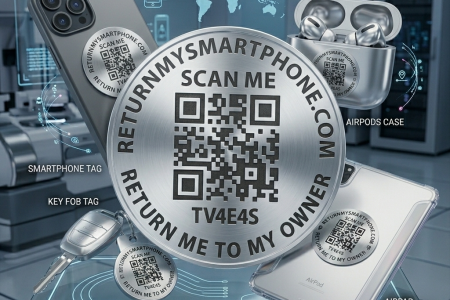
With this combo deal, you can protect items such as:
your smartphone
keys
laptop
AirPods
bicycle
electric scooter
suitcase
bag
etc.
Combideal 6 QR stickers + 1 x QR keychain
Combideal 6 QR stickers + 1 x QR keychain
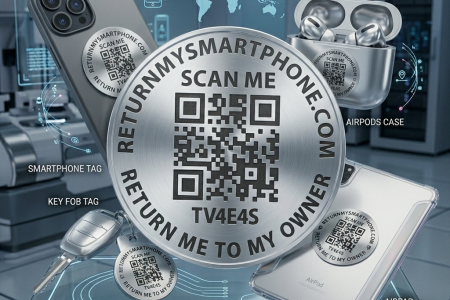
Protect your valuable belongings from permanent loss. This set of premium, scratch- and waterproof QR stickers forms the ultimate safety net for your smartphone, laptop, keys, drone, or luggage. No batteries to charge, no Bluetooth range limits, and absolutely no monthly subscription fees. Works worldwide while keeping your privacy 100% secure.
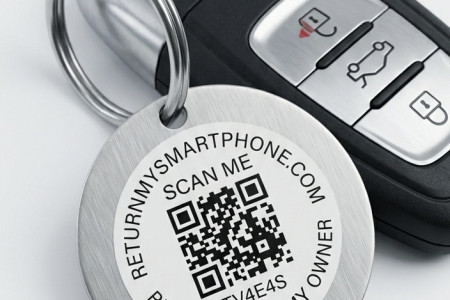
Protect your keys, suitcases, and bags from permanent loss. This premium, durable, and weatherproof QR tag is the ideal travel and everyday companion for your valuable luggage, backpack, or keychain. No heavy batteries, no Bluetooth range limits, and absolutely no monthly subscription fees. Works worldwide while keeping your privacy 100% secure.